 mrsaynothing.dev
systemd service restart on failure — the hidden breaker
systemd service restart on failure has a fuse: five crashes in ten seconds trip the start limit and park the unit. Bench: the trip, the dead slot, the cures.
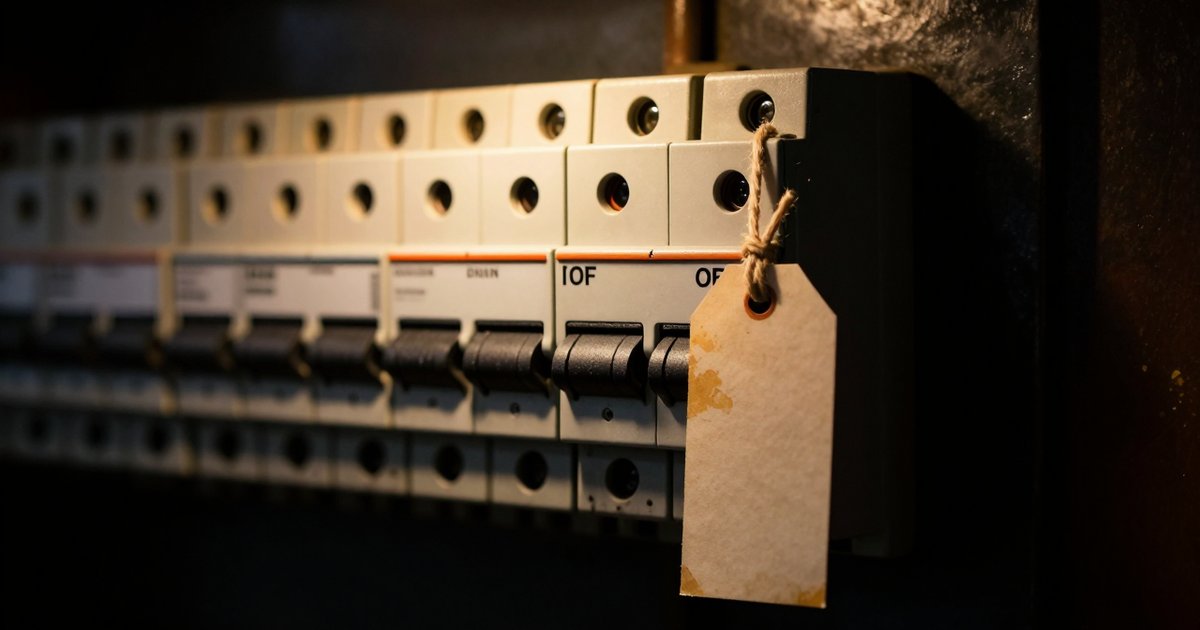
Everything below is bench receipts: a throwaway Arch VM (quickemu full clone, systemd 262), a service that crashes on purpose, and the morning it spent dying. For anyone whose "always restart" service died in the night and stayed dead — this is the autopsy.
Why did my service stop restarting?
Claim: if Restart=on-failure "stopped working", the plug was pulled by the start limiter — not by your unit file. Here is the bench unit's entire confession, verbatim from journalctl -u crashd:
Nov 04 05:09:11.828839 bench-arch systemd[1]: crashd.service: Scheduled restart job, restart counter is at 1.
Nov 04 05:09:11.842328 bench-arch systemd[1]: crashd.service: Main process exited, code=exited, status=1/FAILURE
Nov 04 05:09:12.079027 bench-arch systemd[1]: crashd.service: Scheduled restart job, restart counter is at 2.
Nov 04 05:09:12.329020 bench-arch systemd[1]: crashd.service: Scheduled restart job, restart counter is at 3.
Nov 04 05:09:12.578969 bench-arch systemd[1]: crashd.service: Scheduled restart job, restart counter is at 4.
Nov 04 05:09:12.828997 bench-arch systemd[1]: crashd.service: Scheduled restart job, restart counter is at 5.
Nov 04 05:09:12.829181 bench-arch systemd[1]: crashd.service: Start request repeated too quickly.
Nov 04 05:09:12.829190 bench-arch systemd[1]: crashd.service: Failed with result 'start-limit-hit'.
Nov 04 05:09:12.829255 bench-arch systemd[1]: Failed to start crash demo (breaker).
Read the timestamps: attempt one at :11.82, attempt five at :12.82 — five strikes in 1.0 second, then the last two lines are the supervisor refusing to try again. The default RestartSec is 100 ms, so a hard-crashing binary rides its restart policy like a slot machine — and hits the limit before you could even open a terminal. This is the five-strikes breaker, and it ships on by default.
How many restarts before systemd gives up?
Three defaults do the arithmetic, all confirmed live with systemctl show on the bench:
| Knob | Default | Meaning |
|---|---|---|
StartLimitIntervalSec | 10 s | the window the counter watches |
StartLimitBurst | 5 | attempts allowed inside the window |
RestartSec | 100 ms | pause between attempts |
verify: bench 11-04 — trip measured at attempts 1→5 in 1.0 s (journal timestamps above); unit end state NRestarts=5, Result=start-limit-hit, is-failed → failed. With RestartSec=5 instead, the same crasher made 8 attempts over 42 s and never tripped — 2–3 attempts per sliding 10 s window can't reach 5.
What does "Start request repeated too quickly" mean?
It is the limiter's entire etiquette: your unit asked to start more often than StartLimitBurst allows inside StartLimitIntervalSec, so the manager refused attempt six — and every attempt after it, until you clear the state or the window slides empty. The service isn't crashing anymore; it's parked. The breaker doesn't page you — it just stops trying.
Un-parking is two commands:
systemctl reset-failed myservice
systemctl start myservice
verify: the parked-state behavior above is the bench read; the two-command recovery is the public record (systemd.unit(5)) — the bench unit was still failed eight seconds after the trip, before any reset.
Why didn't my StartLimitIntervalSec=0 work?
Claim: the placement is load-bearing — StartLimitIntervalSec and StartLimitBurst belong in [Unit], and systemd silently ignores them in [Service]. This is the second trap, and the bench fell into it on purpose: a unit with the directive in the wrong section tripped the breaker identically — five strikes, start-limit-hit, done.
show prints StartLimitIntervalUSec=0. Right: the dead slot — show still prints 10s and the breaker trips anyway.The receipt that convicts: after the mis-placed run, systemctl show still printed the stock default —
$ systemctl show myservice -p StartLimitIntervalUSec
StartLimitIntervalUSec=10s
verify: bench 11-04 — crashd6 carried StartLimitIntervalSec=0 in [Service]: show printed 10s, the unit tripped at 5 restarts exactly like the control. systemd reads your directive, nods politely, and files it in the bin — no warning, no log line, the politest way to be ignored.
How do I make a service restart forever?
Two cures, both bench-verified. Cure A — lift the limit, keep the fast retry: move the directive up one section.
[Unit]
Description=worker
StartLimitIntervalSec=0

[Service]
ExecStart=/usr/local/bin/worker
Restart=on-failure
verify: bench 11-04 — correct placement measured StartLimitIntervalUSec=0, 24 restarts in 6 s, zero too quickly lines: it restarts forever, at roughly 250 ms per cycle.
Cure B — keep the fuse, slow the burn: leave the limiter armed and space the attempts.
[Service]
ExecStart=/usr/local/bin/worker
Restart=on-failure
RestartSec=5
verify: bench 11-04 — same crasher at RestartSec=5: 8 restarts over 42 s, no trip. The window math holds because the default burst is 5 inside 10 s and spacing delivers at most 3.
Choose A when a crash-looping unit should thunder (you are on call either way — 24 restarts in 6 seconds fills a journal fast), B when you want the breaker to stay load-bearing but never trip on a bad afternoon. Either way, walk the fix in order:
Does Restart=on-failure fire on a clean exit?
No — and this is the quieter way to lose a service. on-failure restarts nonzero exits, signals, and timeouts; exit 0 is success, so the unit goes inactive (dead) and stays there. Bench: a oneshot that exits 0 under Restart=on-failure measured NRestarts=0, Result=success, zero scheduled restarts. The nasty cousin: your daemon exits 0 because something TERMed it and the default SuccessExitStatus called the death a success — the phantom we walked line by line in systemd show reason for service restart. And when what you actually wanted was "restart it every night at a civil hour", that was never a Restart= job at all — the timer pattern in systemd restart service daily (stop cron, scripting it) is the built-in.
Which Restart value do I want?
| Value | Restarts on | Exit 0 restarts? |
|---|---|---|
no | nothing, ever | no |
on-success | clean exit 0 only | yes |
on-failure | nonzero exit, signal, timeout, watchdog miss | no |
on-abnormal | signal, timeout, watchdog miss | no |
on-abort | abort-style signals only | no |
on-watchdog | watchdog timeout (and clean exits, per docs) | yes |
always | any exit, clean or not | yes |
The fine print on the exotic values
on-watchdog presumes the service actually pings sd_notify's WATCHDOG=1 — a daemon that never integrated dies of a watchdog miss exactly once and then sits expired. on-abnormal is the restrained middle: crashes restart it, a tidy shutdown does not. Whatever you pick, the limiter above it still applies — the breaker outranks the policy.
Claim to leave with: the restart policy you wrote is a rate-limited suggestion until you've read the limiter's defaults. Five strikes, ten seconds, one log line — then your "always" quietly becomes "never", and the only witness is the journal.
Bench receipts: throwaway Arch VM (quickemu full clone, destroyed same session), systemd 262, 2026-11-04 — the trip, the dead slot, both cures, all measured live.